
IBPS RRB Clerk Application Process 2027: How to Apply Online, Registration & Form
IBPS RRB Office Assistant Application Process 2027 – Apply Online, Registration Steps, Documents Upload & Form Correction
Understand the IBPS RRB Clerk Application Process 2027 for the upcoming 2027–28 recruitment cycle. Follow easy step-by-step instructions for online registration, filling the application form, uploading photographs and documents, checking the form preview, completing submission, recovering login details and using the official correction window when available.
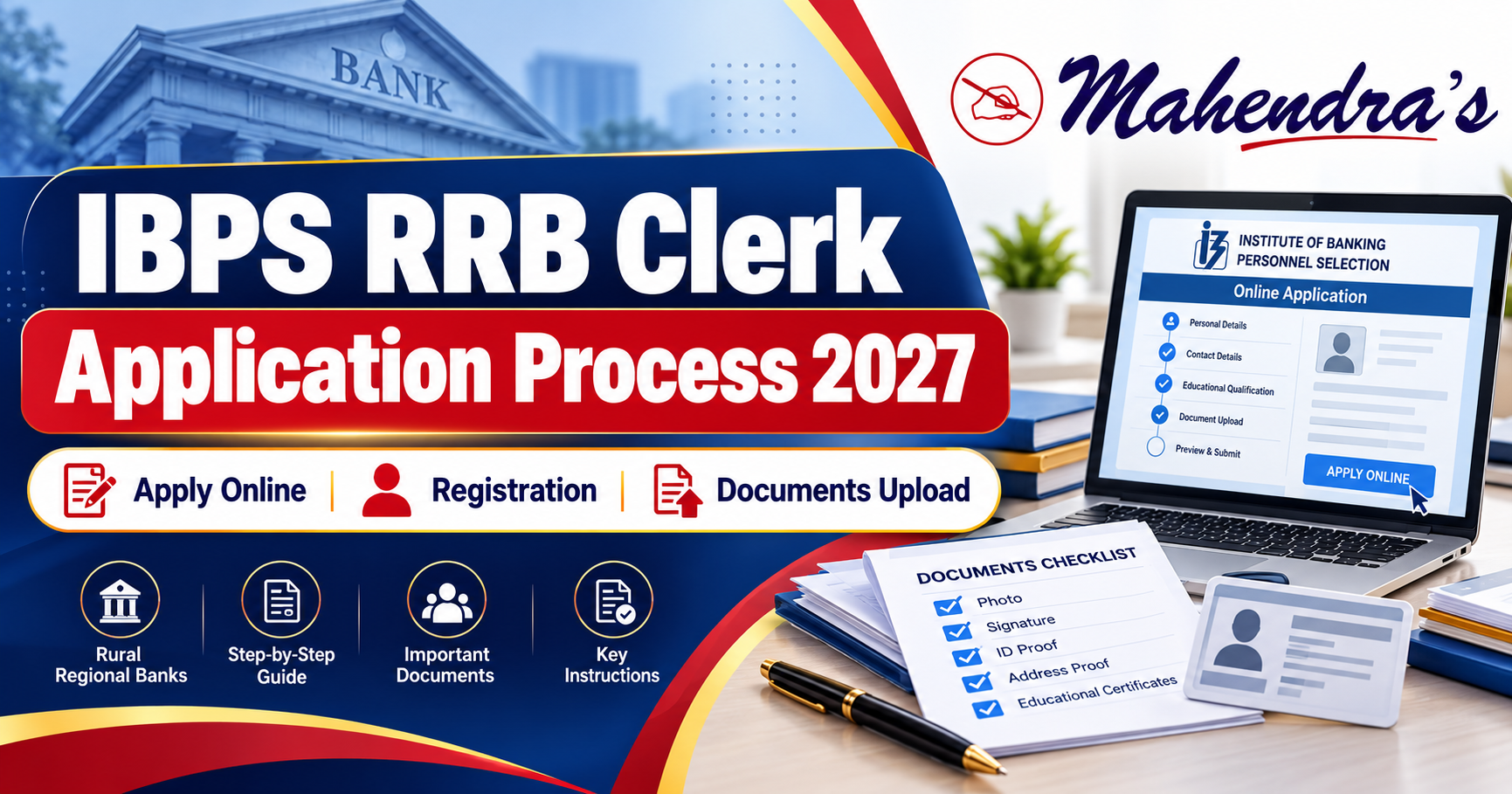
The IBPS RRB Clerk Application Process 2027 will be conducted online through the official IBPS website, www.ibps.in, for Office Assistant (Multipurpose) recruitment. Candidates will need to register, fill in their personal and educational details, upload the required documents, review the application, pay the applicable fee and save the final confirmation. The 2027–28 application window has not opened yet, and the official apply-online link and registration dates are awaited.
IBPS RRB Clerk Application Process 2027 – Overview
The Institute of Banking Personnel Selection (IBPS) conducts the recruitment of Office Assistants (Multipurpose) in participating Regional Rural Banks. Candidates should use the official Office Assistant application portal.
IBPS RRB Clerk Apply Online 2027
Particulars | Details |
|---|---|
Recruitment | IBPS RRB Clerk 2027 |
Official Post | Office Assistant (Multipurpose) |
Recruitment Cycle | 2027–28 |
Conducting Body | Institute of Banking Personnel Selection |
Application Mode | Online |
Application Status | Not Started Yet |
Registration Start Date | To Be Announced |
Registration Last Date | To Be Announced |
Direct Apply Online Link | To Be Activated |
Documents | As Specified by IBPS |
Form Correction | Subject to Official Instructions |
Official Website |
Latest Update: IBPS RRB Clerk 2027 online registration is awaited. Candidates should apply only after the official Office Assistant registration link becomes available.
IBPS RRB Clerk Registration 2027 – Current Status
Application Activity | 2027–28 Status |
|---|---|
New Registration | Awaited |
Apply Online Link | Not Available Yet |
Online Application Form | Awaited |
Document Upload Facility | Not Open Yet |
Form Preview and Final Submission | Not Open Yet |
Application Fee Payment | Awaited |
Application Correction Window | Not Announced |
Application Print Facility | Not Available Yet |
Important: Candidates should never use an old recruitment link to apply for the upcoming cycle.
How to Apply Online for IBPS RRB Clerk 2027?
The application process is expected to follow the established IBPS online registration procedure.
Candidates should carefully complete each step and verify their information before final submission.
IBPS RRB Clerk Application Form 2027 – Step-by-Step Process
Step | Application Stage | What Candidates Must Do |
|---|---|---|
1 | Visit Official Website | Open www.ibps.in |
2 | Select Recruitment | Open CRP RRBs and choose Office Assistant |
3 | New Registration | Enter the required basic details |
4 | Save Login Details | Note registration number and password |
5 | Fill Application Form | Enter personal, educational and other required information |
6 | Upload Documents | Upload the prescribed photograph, signature and certificates |
7 | Review Application | Check all entries before complete registration |
8 | Fee Payment | Pay applicable charges through the authorised gateway |
9 | Final Confirmation | Save the completed application and payment record |
Step 1: Visit the IBPS Website
Go to https://www.ibps.in/ and open the CRP RRBs section.
Select the Office Assistant (Multipurpose) recruitment link for 2027 once it becomes available.
Step 2: Complete New Registration
Click the new registration option.
Enter the details requested on the portal, such as your name, contact information and other required particulars.
The portal will generate registration credentials according to its instructions.
Step 3: Fill Your Personal and Educational Details
Complete the application form with accurate information.
This may include your date of birth, category, address, educational qualification, examination preferences and other required details.
Ensure the information matches your certificates and official records.
Step 4: Upload the Required Documents
Upload your photograph, signature, left thumb impression, handwritten declaration and other documents required under the applicable notification.
Use the exact file format, dimensions and size specified by IBPS.
Step 5: Preview and Verify the Application
Carefully check the completed form before final submission.
Review your name, date of birth, category, state selection, educational information and uploaded images.
Step 6: Complete the Fee Payment
Pay the applicable fee using the authorised payment options displayed by IBPS.
Step 7: Save the Final Application
After successful completion, download and save the available confirmation page, application form and payment receipt.
Student Tip: Keep the registration number, password and application records safe. Never share your password or OTP with anyone.
Documents Required for IBPS RRB Clerk Application Form 2027
Candidates should prepare their documents before opening the registration portal.
The exact upload requirements may change, so they must follow the official 2027 notification.
IBPS RRB Clerk 2027 Document Upload Checklist
Document | Requirement |
|---|---|
Recent Photograph | Required |
Live Photograph | Captured/Uploaded When Directed by Portal |
Signature | Required |
Left Thumb Impression | Required |
Handwritten Declaration | Required |
Class 10 or Equivalent Certificate | Required Under Previous RRB Instructions |
PwBD/UDID Certificate, If Applicable | Required for Relevant Candidates |
Other Prescribed Certificates | As Applicable |
Graduation Details | Required in Application Form |
Category/Identity Records | Keep Ready as Applicable |
Is a Live Photograph Required?
The previous IBPS RRB registration framework included a requirement for candidates to capture and upload a photograph through a webcam or mobile phone.
The final 2027 process will be confirmed through the new application instructions.
Candidates should follow the official instructions for lighting, background, face visibility and image quality.
IBPS RRB Clerk Photo, Signature & Declaration Upload 2027
Incorrect images can cause application problems. Candidates should carefully follow the official document upload instructions.
IBPS RRB Clerk Document Upload Guidelines
Document | Important Guidelines |
|---|---|
Photograph | Clear, recent image with visible face |
Live Photo | Follow the webcam/mobile capture instructions |
Signature | Candidate's own signature, clear and readable |
Left Thumb Impression | Candidate's own impression, as prescribed |
Handwritten Declaration | Written personally according to official wording |
Class 10 Certificate | Clear and readable upload |
Category-Specific Certificate | Upload only when required |
File Size and Dimensions | Follow Exact 2027 Portal Specifications |
File Format | Use the Format Prescribed by IBPS |
Important Mistakes to Avoid
- Uploading a signature in the photograph field.
- Uploading blurred or unclear documents.
- Using a handwritten declaration written by another person.
- Using capital letters for the signature or declaration when prohibited.
- Uploading an image that does not satisfy the portal instructions.
- Submitting the application without checking the preview.
Important: Previous IBPS instructions stated that handwritten declarations must follow the prescribed wording and format. Do not reuse an older declaration without checking the 2027 instructions.
IBPS RRB Clerk Application Form 2027 – Details to Check Before Submission
Candidates should verify the information entered in the online form before completing registration.
IBPS RRB Clerk Form Preview Checklist
Application Detail | What to Check |
|---|---|
Candidate Name | Matches Official Certificates |
Date of Birth | Matches Accepted Age Proof |
Category | Correctly Selected |
Mobile Number and Email | Active and Accessible |
Educational Qualification | Accurate Degree and Result Details |
State/UT Selection | Correct Intended Recruitment Area |
RRB Preferences, If Applicable | Selected According to Portal Instructions |
Photograph and Signature | Uploaded in Correct Fields |
Declaration and Thumb Impression | Clear and Correct |
Final Preview | Checked Before Submission |
Can I Change My Details Before Final Submission?
Previous IBPS instructions provided a Save and Next facility to review and modify information before complete registration.
Candidates should use the application preview carefully and avoid submitting incorrect details.
Once the final registration is completed, changes may be restricted except through an officially announced correction facility.
IBPS RRB Clerk Application Correction Window 2027
The IBPS RRB Clerk Application Correction Window 2027 has not been announced.
IBPS may provide a limited edit facility according to the applicable recruitment rules.
Candidates should not assume that all fields will be editable or that a correction window will definitely be provided.
Application Correction – Previous Year vs 2027
Particulars | 2026 Reference | 2027–28 Status |
|---|---|---|
Recruitment Cycle | CRP-RRBs-XV | Awaited |
Online Registration | 1–27 September 2026 | Not Announced |
Edit Window | 7–8 October 2026 | Not Announced |
Correction Notice | Officially Published | Awaited |
Editable Fields | Subject to Official Restrictions | Not Confirmed |
Correction Charges, If Any | Subject to Published Instructions | Not Confirmed |
Final Form Print | Available During Previous Portal Window | Awaited |
How to Correct the IBPS RRB Clerk Application Form?
If IBPS provides a correction facility in 2027:
- Visit the official IBPS recruitment portal.
- Open the relevant Office Assistant application login.
- Sign in using your registration details.
- Select the correction or edit option, if provided.
- Modify only the permitted fields.
- Review the changed information.
- Complete any required confirmation or payment.
- Save the revised application record.
Important: The 2026 correction dates belong to the earlier recruitment cycle. They are not confirmed dates for 2027.
IBPS RRB Clerk Application Form 2027 – Common Problems and Solutions
Candidates may face login, document upload, payment or form-submission problems while completing the online application.
IBPS RRB Clerk Application Problems – Quick Solutions
Problem | What to Do |
|---|---|
Registration Number Not Received | Check registered email/SMS and portal guidance |
Password Forgotten | Use the official recovery facility |
Photograph Upload Failed | Verify file format, size and clarity |
Signature Rejected | Recheck prescribed dimensions and signature rules |
Application Page Not Loading | Retry using a supported browser and stable connection |
Payment Debited but Status Pending | Check portal status and authorised support instructions |
Form Submitted with an Error | Check whether an official edit window is available |
Application Print Not Available | Check the permitted print window and official instructions |
Error Persists | Contact the official IBPS candidate grievance facility |
Is Registration Alone Enough?
No. A registration number alone does not establish that a candidate has successfully completed the entire application process.
Candidates should complete all required steps, including document upload, applicable payment and final submission, and retain the available confirmation records.
IBPS also checks eligibility separately. Successful form submission does not guarantee that a candidate satisfies all recruitment conditions.
IBPS RRB Clerk Application Process 2027 – Important Instructions
Before completing the online form, remember these points:
- Apply for Office Assistant (Multipurpose) using the correct recruitment link.
- Use only the official IBPS website and authorised registration portal.
- Enter personal and educational details carefully.
- Keep prescribed documents ready before starting registration.
- Read the photograph, signature and handwritten declaration instructions.
- Check all entered details before complete registration.
- Do not assume that editing will be possible after final submission.
- Complete the applicable payment within the official registration window.
- Save the application confirmation and e-receipt.
- Follow any subsequent official application correction notice.
Conclusion
The IBPS RRB Clerk Application Process 2027 will allow eligible candidates to register online for Office Assistant (Multipurpose) recruitment in Regional Rural Banks.
Candidates will need to complete registration, enter accurate personal and educational information, upload the required documents, verify the application, pay the applicable fee and save the final confirmation.
The 2027–28 apply-online link and registration dates are awaited. Candidates should follow the official IBPS instructions when the new recruitment process begins.
Stay connected with Mahendras for IBPS RRB Clerk 2027 online application updates and banking recruitment guidance.
Official IBPS Website: https://www.ibps.in/
Mahendras Online Programs: https://www.mahendras.org/online-programs